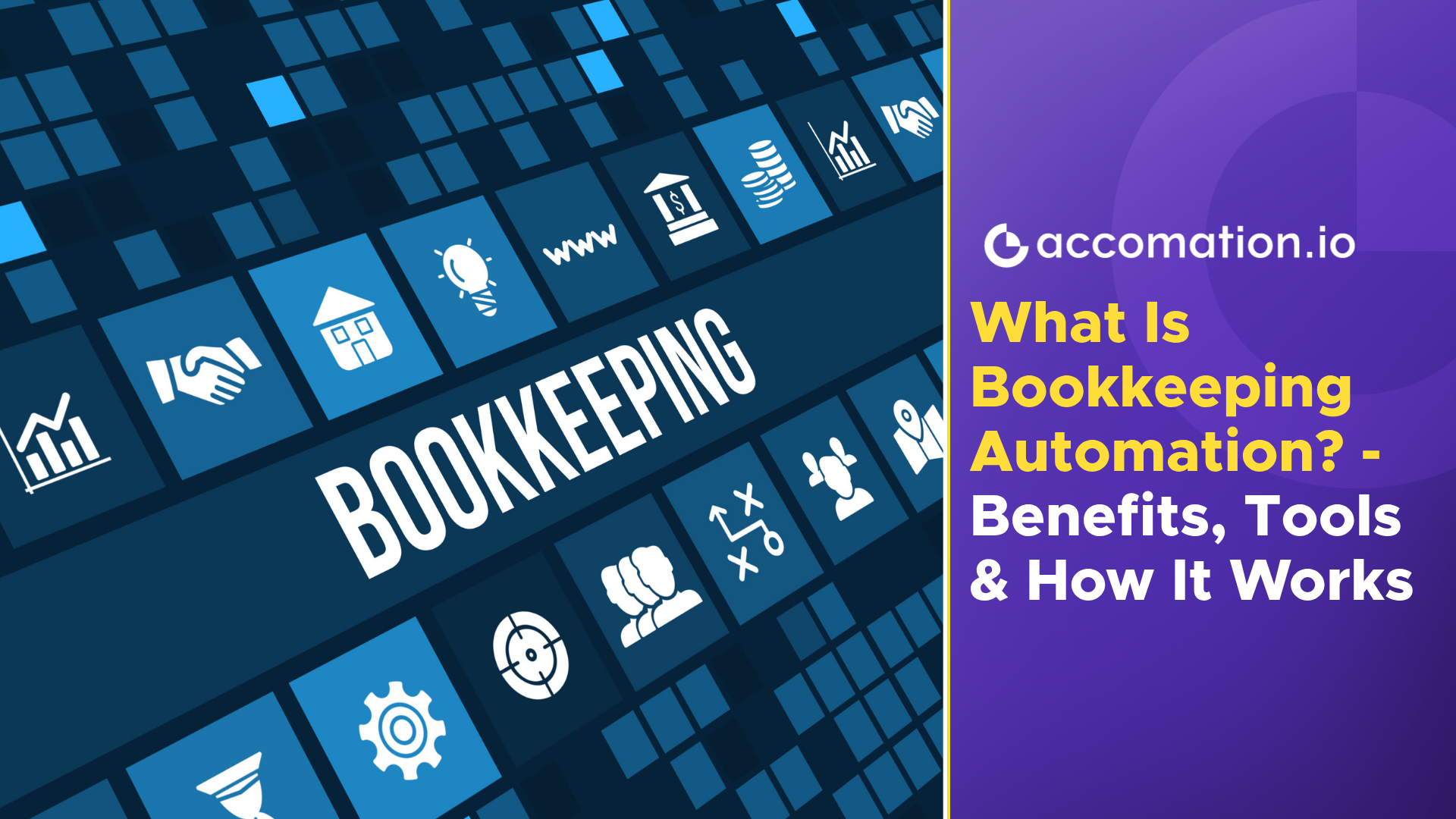
Bookkeeping automation is the use of software, AI, OCR, and connected accounting systems to capture, organize, classify, and record financial transactions with less manual effort. Instead of entering every invoice, receipt, bank transaction, or expense by hand, businesses can automate repetitive bookkeeping tasks while keeping people involved in review and decision-making.
For a small business, manual bookkeeping may seem manageable when there are only a handful of transactions each week. But as the business grows, so does the paperwork. More invoices arrive, more payments need to be recorded, bank accounts generate more transactions, and the finance team spends increasing amounts of time keeping records updated.
This is where bookkeeping automation becomes useful.
What Is Bookkeeping Automation?
At its simplest, bookkeeping automation means using technology to handle repetitive bookkeeping activities that would otherwise require manual data entry.
A traditional bookkeeping workflow might look like this: an invoice arrives, someone reads it, enters the details into a spreadsheet or accounting system, checks the figures, and files the document. The same process is repeated for expenses, receipts, bank transactions, and other financial records.
With automation, much of that work can happen automatically.
An invoice can be captured and read using OCR. Relevant information such as the vendor, invoice number, date, tax amount, and total can be extracted. The transaction can then be categorized and prepared for the accounting system, where a person can review it before it is finalized.
That is the basic idea behind automated bookkeeping.
The goal isn’t to remove accountants or finance teams from the process. It is to remove repetitive work that doesn’t require professional judgment.
Why Businesses Need Bookkeeping Automation
The biggest reason businesses adopt automation is simple: manual bookkeeping becomes harder to maintain as transaction volume increases.
A business may start with a few invoices and expenses every week. A year later, it could be dealing with hundreds of invoices, multiple bank accounts, recurring expenses, employee reimbursements, and several payment channels.
At that point, even a capable finance team can spend a significant amount of time simply keeping records up to date.
This is where bookkeeping automation software can help. Instead of relying on people to enter every transaction manually, the software can capture and process financial information as it comes in.
It also reduces the dependency on spreadsheets and disconnected files. Documents and transaction data can remain connected to the relevant accounting records, making it easier to trace where a number came from.
For businesses that want to automate bookkeeping, the real benefit is therefore broader than saving a few hours of data entry. It is about creating a more consistent and controlled bookkeeping process. And that can be done easily with accounting automation software.
How Bookkeeping Automation Works
The exact workflow depends on the software being used, but most automated systems follow a similar sequence.
1. Financial documents and data are captured
The process starts when invoices, receipts, bills, bank statements, or other financial documents enter the system. These may come through uploads, email, scans, or integrations with other business applications.
2. Information is extracted
The system identifies relevant information from the document. This is where OCR becomes particularly useful.
With bookkeeping automation with OCR, software can read information from documents that would otherwise need to be reviewed and typed manually.
Modern systems can go beyond basic text recognition. AI can help understand the context of the information and identify fields that belong to particular accounting records.
3. Transactions are classified
Once information has been extracted, the system can apply predefined rules or AI-based logic to classify transactions.
For example, an expense may be mapped to the appropriate account or ledger based on previous records and business rules.
This is one of the areas where AI bookkeeping can make automated workflows more useful. Instead of simply copying information from one place to another, AI can help interpret and organize financial data.
4. Data is sent to the accounting system
After extraction and classification, the information can be passed into the relevant accounting software.
This is where integrations become important. A business doesn’t want another isolated database. It wants financial information to move smoothly through its existing workflow.
5. People review exceptions
Automation doesn’t mean every transaction should be accepted blindly.
A good system can identify transactions that need attention while allowing straightforward transactions to move through the workflow with less intervention.
That creates a much more practical balance between automation and human oversight.
Key Features of Bookkeeping Automation Software
Not every solution offers the same capabilities, so businesses need to look beyond the word “automation” when evaluating tools.
A useful system may include:
· AI-powered data extraction from invoices and receipts
· OCR for scanned financial documents
· Automatic transaction classification
· Bank and accounting software integrations
· Searchable financial records
· Duplicate detection and validation
· Approval and review workflows
· Cloud-based access
· Audit trails and transaction history
The rise of AI bookkeeping software has made these systems more capable of handling documents and transactions that previously required extensive manual intervention.
However, AI should not be treated as a replacement for accounting judgment. A system may be able to recognize a transaction, but determining whether an unusual transaction has been classified correctly can still require a finance professional.
Benefits of Bookkeeping Automation
The most obvious benefits of bookkeeping automation are time savings and reduced manual data entry. But those are only part of the picture.
Automation can help businesses maintain more consistent records because the same rules and workflows can be applied across transactions.
It can also reduce errors associated with repetitive typing. When a finance professional enters hundreds of similar transactions, mistakes can happen simply because of fatigue or volume.
Another advantage is visibility. When financial information is captured and organized continuously, businesses don’t have to wait until the end of the month to understand what has happened financially.
For smaller organizations, bookkeeping automation for small businesses can be particularly useful because finance teams are often small. A business may not have the resources to dedicate an employee to repetitive data entry as transaction volumes grow.
Automation allows the existing team to spend more time on reconciliation, analysis, compliance, and financial decision-making.
Manual Bookkeeping vs Bookkeeping Automation
The difference becomes clearer when the two approaches are placed side by side.
Manual Bookkeeping | Bookkeeping Automation |
Transactions are entered manually | Data is captured and processed automatically |
Employees spend significant time on repetitive entry | Employees focus more on review and exceptions |
Errors can increase with transaction volume | Automated checks can reduce repetitive entry errors |
Documents may be stored separately | Documents can remain connected to financial records |
Processing speed depends heavily on team capacity | Systems can handle larger transaction volumes |
Scaling often requires additional manual effort | Automation can support growth without the same increase in repetitive work |
This doesn’t mean automation is always better for every business.
A company with very few transactions may not need sophisticated automation. But as volume, complexity, and reporting requirements increase, the limitations of manual bookkeeping become much more visible.
The important question is not whether humans should be removed from bookkeeping. It is where human involvement actually adds value.
Best Bookkeeping Automation Tools
There are many bookkeeping automation tools and accounting automation platforms available, but they don’t all solve the same problem.
Some focus primarily on invoicing. Others concentrate on expense management, bank reconciliation, document processing, or broader accounting workflows.
When evaluating the best bookkeeping automation software, businesses should consider how well the system fits into their existing processes rather than simply looking at the number of features it offers.
A good solution should make the bookkeeping process simpler, not create another system that employees have to maintain.
Integration is particularly important. If financial information still needs to be exported from one platform and manually entered into another, much of the benefit of automation is lost.
This is why businesses should also look at whether the solution works with their accounting software, banking systems, document sources, and existing financial workflows.
Industries That Benefit From Bookkeeping Automation
Bookkeeping automation isn’t limited to one type of business.
Retailers, restaurants, professional services firms, manufacturers, healthcare businesses, ecommerce companies, and other organizations can benefit when they process a significant volume of financial transactions.
It can also be particularly useful for accounting professionals who manage books for multiple clients.
Bookkeeping automation for accountants allows firms to reduce repetitive work across clients while maintaining greater consistency in their processes. And for bookkeeping automation for chartered accountants, the value can extend beyond data entry into document processing, reconciliation, and client-level financial workflows.
The right level of automation depends on the volume and complexity of the work. A small consultancy and a multi-location retailer will have very different requirements.
Common Challenges and Solutions
Automation solves many problems, but it also introduces a few considerations.
The first is data quality. If an invoice is poorly scanned or information is unclear, the system may need human verification. That’s why review workflows remain important.
The second is integration. A powerful system that doesn’t connect to the rest of the accounting workflow can create another silo.
The third is trust. Finance teams need to understand how transactions are being classified and have the ability to review or correct them when necessary.
These challenges are easier to manage when automation is introduced as part of a broader bookkeeping process automation strategy rather than as a standalone feature.
The objective should be to create a workflow where technology handles repetitive processing and people handle decisions, exceptions, and oversight.
Where AI Fits Into Modern Bookkeeping
AI is changing what bookkeeping systems can do.
Traditional automation follows predefined rules. AI can help systems interpret documents, recognize patterns, classify information, and improve the handling of less standardized financial data.
This is why businesses are increasingly looking at AI bookkeeping software for businesses rather than relying exclusively on rule-based automation.
The ability to automate bookkeeping with AI becomes particularly valuable when businesses receive large volumes of documents in different formats.
AI can help bridge the gap between unstructured financial information and structured accounting records.
That doesn’t mean every bookkeeping process should be handed over to AI. Professional oversight remains important, particularly when transactions are unusual, financial records are sensitive, or accounting treatment requires judgment.
The strongest workflows use AI where it is good at repetitive processing while keeping people in control of decisions.
Cloud-Based Bookkeeping Automation
Cloud technology has also changed how finance teams work.
With cloud bookkeeping automation software, financial data and bookkeeping workflows can be accessed without relying on a single computer or locally stored files.
This can be useful for businesses with distributed teams, external accountants, or multiple locations.
More importantly, cloud-based systems make it easier for different parts of the financial workflow to remain connected. Documents can be processed, accounting data can be updated, and finance teams can review information without constantly moving files between systems.
Final Thoughts
Bookkeeping is essential, but much of the work involved in maintaining financial records is repetitive.
That makes it well suited to automation.
Bookkeeping automation uses technologies such as OCR, AI, integrations, and cloud platforms to reduce manual data entry and create more consistent financial workflows. The result is not an accounting function without people. It is an accounting function where people spend less time typing and more time reviewing, reconciling, analyzing, and making decisions.
For a growing business, that distinction matters.
The right bookkeeping automation solution should fit into the existing accounting workflow, handle the volume and complexity of the business, and make financial operations easier to manage as the organization grows.
 Recent blogs